Save your configuration now and call it up again via a personal code.
Configuration was saved successfully
Function & Usage
Experience the machine
The following functions will guide you through the VEN SPRAY ONE and explain the advantages in its use and application:
360° view
If you hold the mouse down in the area of the machine and move the mouse up, down, right or left, you can view the machine in its full extent. To enlarge or reduce the view, use the scroll function of the mouse.
Touchpoints
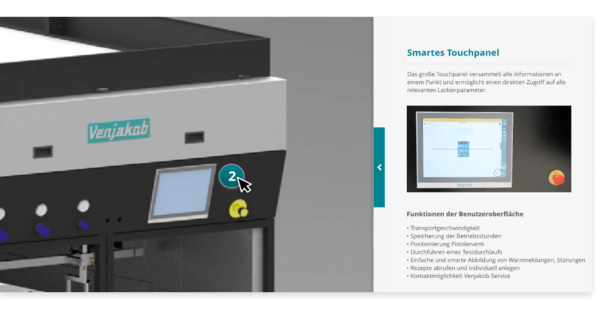
The touchpoints provide you with information about the functions and possibilities of the VEN SPRAY ONE. Simply press one of the touchpoints.
Expert advice
Do you have any questions?
I will be happy to answer any questions you may have and look forward to receiving your enquiry. I would be happy to convince you of the VEN SPRAY ONE in a joint consultation.